










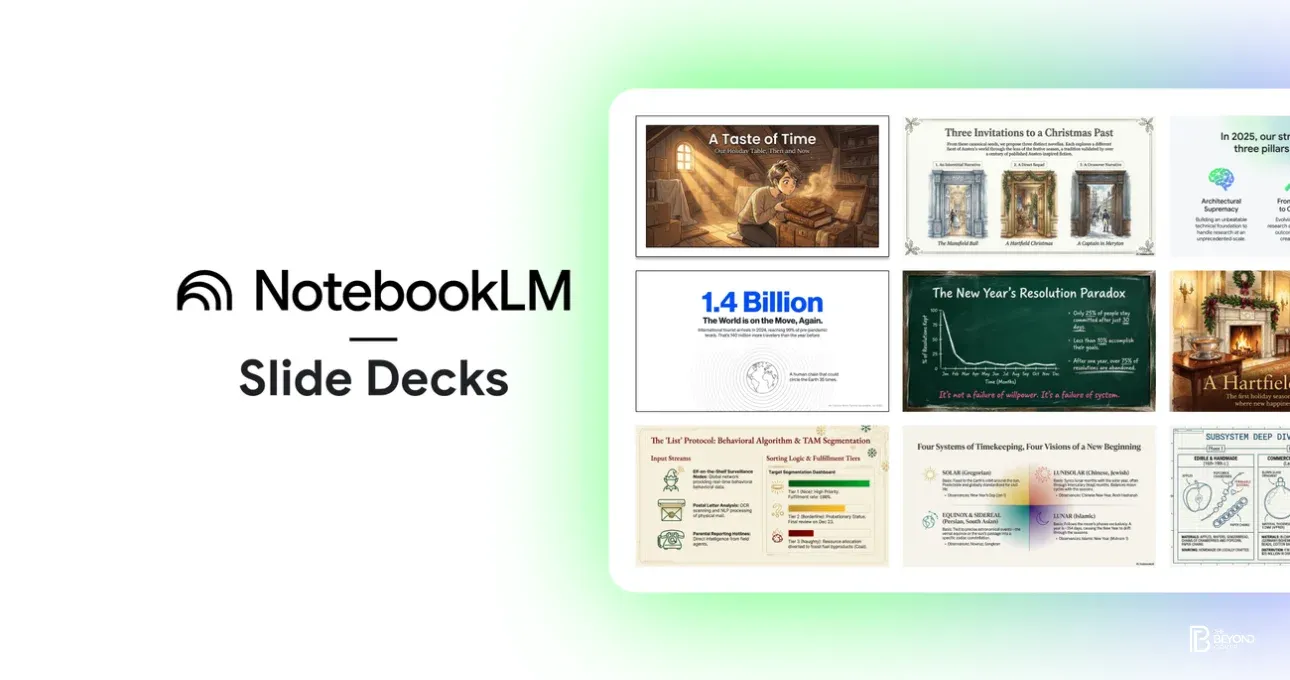
Google has introduced new customization features to its NotebookLM app, allowing users to create and tailor infographics and slide decks directly from their source materials. The update marks a significant step in Google’s effort to position NotebookLM as a practical AI-powered research and productivity tool for students, professionals, and knowledge workers.
NotebookLM Evolves Beyond Note-Taking
Originally designed as an AI assistant that helps users understand and summarize their own documents, NotebookLM has steadily expanded its capabilities. With the latest update, users can now transform notes, PDFs, and research materials into visual presentations, including customized infographics and structured slide decks.
The feature aims to reduce the time spent moving between research tools and presentation software. Instead of manually extracting insights and designing visuals, users can rely on NotebookLM to generate drafts that reflect the content and context of their uploaded sources.
Customisation at the Core
A key highlight of the update is customisation. Users can adjust the layout, structure, and emphasis of infographics and slides to match their communication goals. NotebookLM allows users to refine headlines, reorder sections, and adapt visual summaries based on the level of detail required.
This flexibility makes the tool suitable for a range of use cases—from academic presentations and internal reports to training materials and client-facing decks. Google has emphasized that NotebookLM bases its outputs strictly on user-provided sources, helping maintain accuracy and relevance.
AI-Powered Visual Storytelling
The new functionality leverages Google’s advances in generative AI to support visual storytelling. NotebookLM analyzes the key themes and data points in a user’s documents, then structures them into logical narratives suitable for slides or infographics.
For example, a research paper can be converted into a high-level presentation for non-expert audiences, while a dense report can be turned into an infographic that highlights trends and conclusions. This capability reflects a broader shift in AI tools—from generating text alone to enabling multimodal outputs.
Productivity Gains for Knowledge Workers
Google positions the update as a productivity booster. Creating presentations often involves repetitive steps: reading source material, summarizing key points, designing visuals, and formatting slides. By integrating these steps into NotebookLM, Google aims to streamline workflows and reduce cognitive load.
Early users have noted that the tool works best as a starting point rather than a final product, providing structured drafts that can be refined further. This aligns with Google’s broader strategy of building AI systems that assist rather than replace human creativity.
Part of Google’s Wider AI Strategy
The NotebookLM update fits into Google’s expanding ecosystem of AI-powered productivity tools. As competition intensifies among AI assistants, Google is focusing on features that integrate directly into everyday work tasks. Customizable infographics and slide decks extend NotebookLM’s relevance beyond research into communication and presentation.
The company has not disclosed whether advanced customization options will be limited to certain user tiers, but the rollout suggests a gradual expansion of creative features within the app.
What Comes Next
As AI tools increasingly blur the lines between research, writing, and design, NotebookLM’s new capabilities point toward a future where ideas move seamlessly from source to presentation. For users who regularly turn complex information into visuals, the update could significantly reduce friction.
With customizable infographics and slide decks now part of NotebookLM, Google is positioning the app as more than a digital notebook—it is becoming a full-fledged AI workspace for thinking, synthesizing, and presenting knowledge.